


Update Basic Establishment Details

Update Basic Establishment Details
Service Steps
SLAFor establishments registered proactively:
Click on “Start Service” and log in
Select the establishment.
From the establishment profile, go to the Basic Establishment Details section and click (Refresh).
Select the establishment.
Click on “Start Service” and log in
For establishments registered non-proactively:
The establishment’s details will be updated immediately based on the data received from the Ministry of Commerce.
From the establishment profile, go to the Basic Establishment Details section and click (Edit).
Enter the required details and upload the required documents.
Submit the request.

Need more information? Download the user guide.

Need help? View FAQ's
Related applications
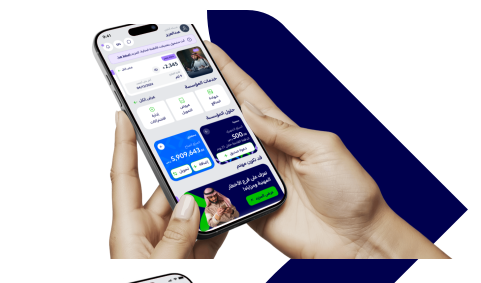
Enjoy all the services you need on the app now



Was this page helpful?