


light
Modify dependent details
An E-service provided by GOSI that enables pension beneficiaries with contribution periods registered before 01/01/1422 AH to add dependents or update their status in the event of any changes to their social, educational, or health status. Addition or update requests can be submitted through this service to ensure that the registered information remains accurate and up to date, without visiting the branch

Modify dependent details
An E-service provided by GOSI that enables pension beneficiaries with contribution periods registered before 01/01/1422 AH to add dependents or update their status in the event of any changes to their social, educational, or health status. Addition or update requests can be submitted through this service to ensure that the registered information remains accurate and up to date, without visiting the branch
Service Steps
SLAStep One
Click on “Start Service” and log in.
Step Two
Select the benefit, then click on "View Details".
Step Three
Click on Dependents then "Add/Modify Dependents".
Step four
Click on "Add another dependent" or use the edit icon to modify a dependent.
Step Seven
Attach the documents, accept the declaration, and submit.
Step Six
Review the details of the benefit, then click on save and next.
Step Five
Enter/Modify the dependent’s details.
You will receive an SMS containing the request number, and you can follow up on it through the provided link

Need more information? Download the user guide.

Need Help ? View FAQ
Related applications
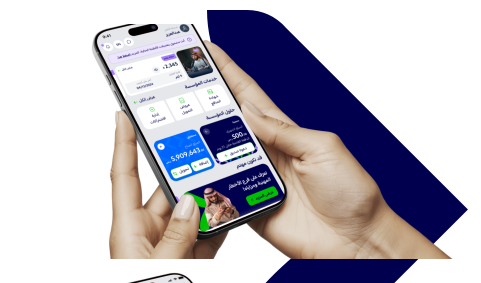
Enjoy all the services you need on the app now



Was this page helpful?
0% of users said yes from 0 comments