


light
Return of the lump sum insurance benefit
An e-service provided by GOSI enables a contributor working in a position covered under the Civil or Military Pension System to submit a request to recalculate their previous service period covered under the same system, for which they had previously received a lump-sum compensation once only, within a maximum period of one year from the date of returning to the current job and to repay the compensation amount either in a single payment or in installments, without the need to visit the authority.

Return of the lump sum insurance benefit
An e-service provided by GOSI enables a contributor working in a position covered under the Civil or Military Pension System to submit a request to recalculate their previous service period covered under the same system, for which they had previously received a lump-sum compensation once only, within a maximum period of one year from the date of returning to the current job and to repay the compensation amount either in a single payment or in installments, without the need to visit the authority.
Service Steps
SLAStep One
Click on “Start Service” and log in.
Step Two
Select “Benefits” from the main list.
Step Three
Under “Annuities,” choose “Refund of the lump-sum insurance benefit.”
Step Four
Select the amount to be refunded and click “Submit.”
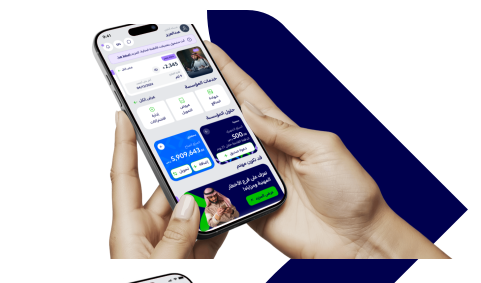
You will receive a text message containing the request number, and you can track the request via the GOSI app..

Need more information? Download the user guide.

Need help? View FAQ's
Related applications
Enjoy all the services you need on the app now



Was this page helpful?
0% of users said yes from 0 comments