


light
Virtual visit
GOSI offers an online service that allows beneficiaries to communicate directly with customer service representatives via video call, where you can upload files and documents and share the screen easily during the call. Also, the service provides sign language speakers to assist people with disabilities. This service is in support of GOSI to provide exceptional service to all clients without visiting the branch

Virtual visit
GOSI offers an online service that allows beneficiaries to communicate directly with customer service representatives via video call, where you can upload files and documents and share the screen easily during the call. Also, the service provides sign language speakers to assist people with disabilities. This service is in support of GOSI to provide exceptional service to all clients without visiting the branch
Service Steps
SLAStep One
Enter service by clicking on the “Start Service”.
Step Two
Fill in the personal data and then choose "Continue"
Step Three
3-Enter the code that was sent to the mobile phone registered in Absher
Step Four
Make sure your microphone is activated and click "Continue"
Step Five
Move to the waiting page until the call is transferred to the employee.

Need more information ? Download User Guide

Need Help ? View FAQ
Related applications
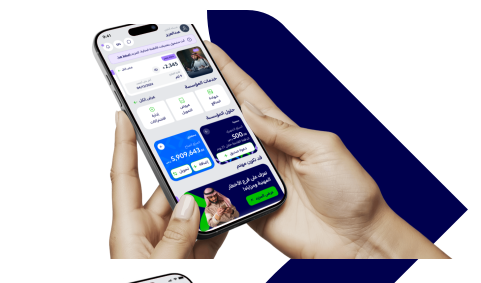
Enjoy all the services you need on the app now



Was this page helpful?
0% of users said yes from 0 comments